


TrueWin Bet Login: Account Access in the UAE
Some things on a website are designed never to move, and the sign-in corner is one of them. Look to the upper right of any page – desktop, tablet, or phone – and two buttons wait there: one for creating a profile, one for entering an existing account. That fixed position is deliberate; a player should be able to find the way in without thinking, on the first visit and the five-hundredth alike. This guide covers everything that happens after you press the second button, and a few things worth knowing before you do.
A word before the mechanics, as always in this series. Online casino play and sports wagering are regulated differently from one country to the next, and regulations shift, so please confirm independently that such activity is permitted in your jurisdiction before you register, deposit, or play. That is your check to make, and no page can make it for you. Once it is made, read on at your own pace – the corner is not going anywhere.

How to Access Your Account
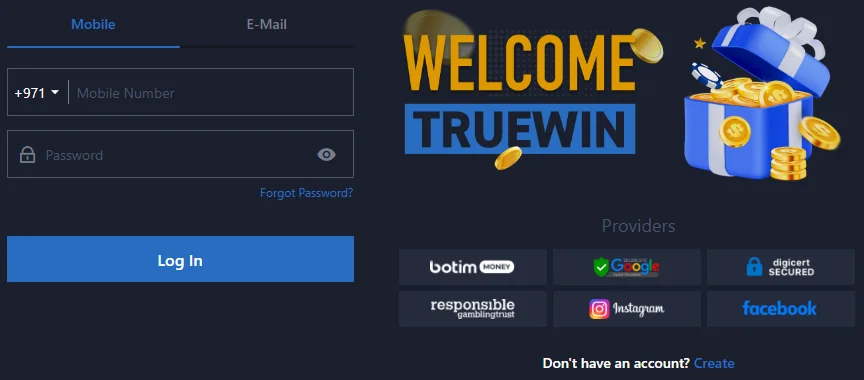
The entry window asks for exactly two things: an identifier and a password. The identifier is whichever contact you attached to the profile at registration – a mobile phone number or an email address – and the password is the one you set at the same time. No riddles, no additional codes at this stage… just the pair you already know. The routine, walked through once:
- Open the official website through your saved bookmark or by typing the address yourself;
- Select the sign-in button in the upper right corner;
- Choose your identifier type – phone number or email;
- Enter the identifier and the password, watching for stray spaces and Caps Lock;
- Confirm, and the page hands you back to wherever you were browsing, now signed in.
Which identifier should you favour? The one you can type without thinking at the end of a long day – and the one actually stored in your profile, which is the detail people most often overlook. A number changed with a new SIM, an email abandoned months ago: these are the quiet causes of most failed entries. Keep the contact in your profile current and the routine above never takes more than a few seconds. Try it once tonight; by the third visit it is muscle memory.
Login Steps on Desktop and Mobile
The sign-in window lives on three surfaces, and they agree with one another completely. On a desktop browser it is the classic experience – wide page, corner button, entry window. On a phone browser the site reflows to the narrow screen but keeps the corner exactly where it was, so nothing needs relearning. And on the Android application, installed from the APK file on the official website, the entry screen asks for the identical identifier and password, because behind all three surfaces stands a single profile with a single balance. Sign in on the phone at noon, on the laptop at night… the account is the same account, and the history proves it.
That single-profile design is worth stating plainly, since newcomers occasionally hunt for a “mobile account” that does not exist. There is none. The same credentials open the same door on every device, and switching between surfaces mid-week changes nothing about what you see inside. Pick the surface that fits your habits, enter through a source you control – the bookmark for the browser, the official download page for the app – and let the rest be routine.
Password Recovery and Access Problems
When entry fails, the cause is almost always small. Before anything else, run the short checks that resolve most cases on the spot:
- Retype the password by hand rather than trusting an old autofill entry;
- Confirm the identifier is the contact stored in the profile – current number, current email;
- Check for a slow or dropped connection, and on the app, that the installed build is the latest;
- If a reset message has not arrived, look in the spam folder and confirm the address spelling.
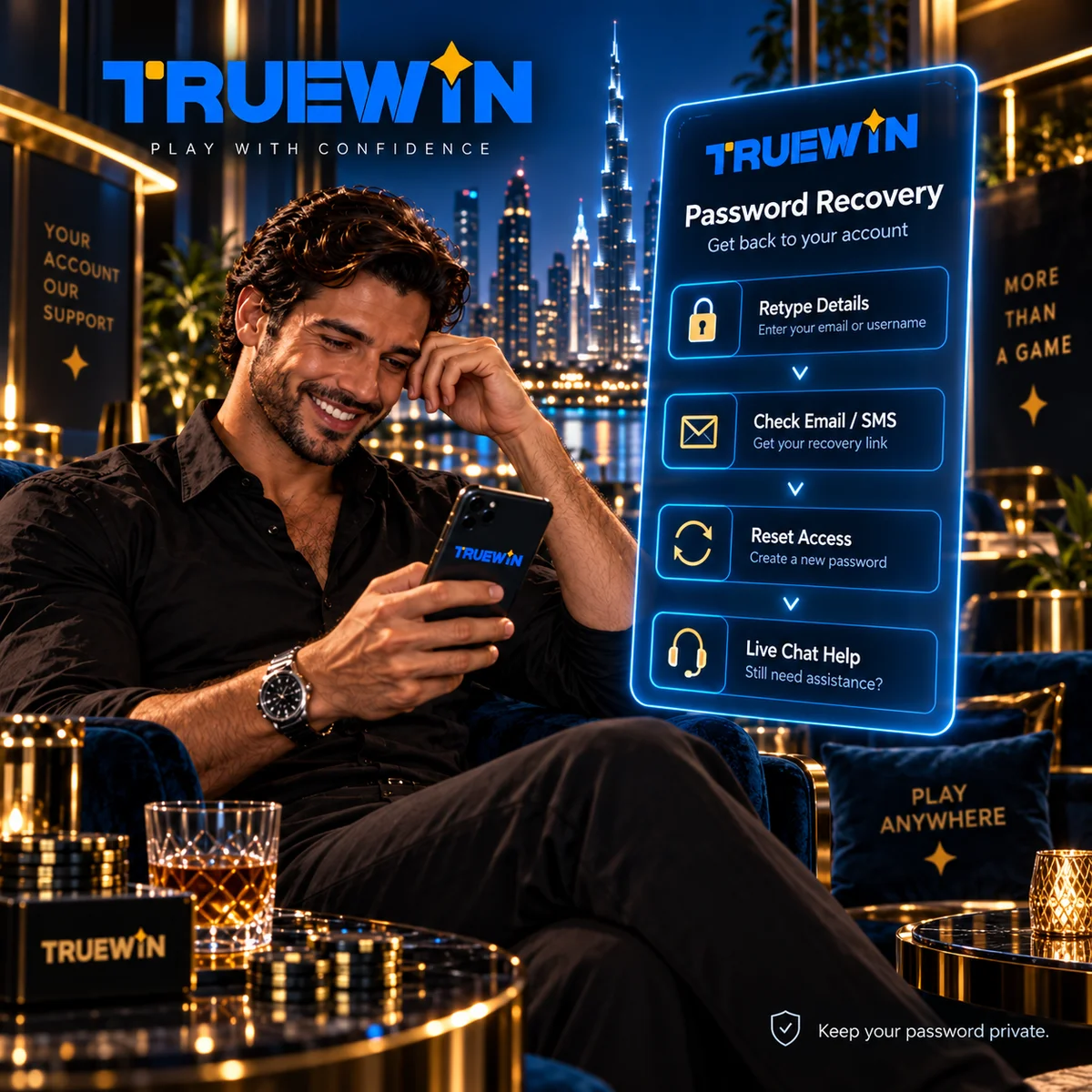
If the checks pass and the password itself is the problem, the sign-in window carries its own recovery option: select it, follow the prompts sent to your registered phone or email, and set a new password. That path exists so that a forgotten detail costs minutes rather than days – use it early instead of repeating a failing attempt. Anything the recovery route cannot settle goes to live chat or the Help Center, with your registered identifier at hand and your password kept strictly to yourself, since no genuine support process ever needs it. Two calm minutes usually restore access; frustration only lengthens them.
Using Casino and Sports Sections After Login

Entry transforms the site from a display window into a working space. Games become playable, markets accept selections, and a personal menu appears with the balance attached. The platform arranges its working areas into a compact set of named sections:
- Casino – the games lobby, with slots, tables, and live formats in one catalogue;
- Sports betting – fixtures and markets, with the bet slip alongside;
- Cashier – deposits, withdrawals, and the transaction record;
- Coupons – your bet slips, both open tickets and settled history;
- Promotions – current offers, each carrying its own written terms;
- Help Center – reference articles on account and payment topics;
- Live chat – a direct conversation with the support team.
One profile covers both wings, so a single sign-in serves the casino and the sportsbook without any second registration. Two of the sections reward unhurried reading before use: Promotions, where every offer’s conditions deserve a full read before opting in, and the Cashier, where a modest opening deposit placed without haste is the sensible pattern if you choose to fund the account at all. And across everything – limits on time and spending decided in advance, play treated as entertainment rather than income, and a readiness to stop the moment it stops feeling light. Responsible play is not a section of the site; it is how all of them are meant to be used. Walk the seven areas once after your first sign-in, and the layout is yours.
Account Security and Phishing Protection

Your credentials are a house key, and the two questions that matter are who holds copies and which door you put the key into. The first has a plain answer: nobody but you, support included, ever – a password unique to this profile and shared with no one. The second question is where accounts are genuinely lost. Imitation pages copy the look of a real entry window and wait for hurried arrivals from adverts, messages, and careless search clicks; a key placed in the wrong door opens nothing for you and everything for someone else. The table below lists the signals that should stop your hand.
| Warning sign | What it usually means | What to do |
|---|---|---|
| Sign-in link arrived by message, email, or advert | The page may be an imitation | Ignore it; open the site from your own bookmark |
| Address bar does not match the domain you know | You are not on the official site | Close the tab and start again from the bookmark |
| A page or “support agent” asks for your password | No genuine process requires it | Refuse, and report it through the real live chat |
| App download offered outside the official website | The file may be modified | Install only from the official download page |
| Unfamiliar activity in Coupons or Cashier | Possible unauthorised access | Reset the password at once and contact live chat |
None of this asks for technical skill – only a steady routine. Enter the site through a source you control, glance at the address bar before typing anything, sign out on shared devices, and keep your profile’s contact details current so recovery always has a live channel. Does it sound almost too simple? That is the point… most compromised accounts begin with one hurried click, not a sophisticated attack. Save your bookmark today and half the table becomes irrelevant.
Frequently Asked Login Questions
**Is there a separate login page, or do I sign in from wherever I am?** From wherever you are. The sign-in button sits in the upper right corner of every page, and the entry window opens on top of whatever you were viewing.
**I registered with my phone number – can I sign in with an email instead?** Sign in with the contact stored in your profile. If you want a different or additional contact attached to the account, ask live chat for the correct procedure rather than guessing.
**Does the platform ask for a code every time I sign in?** The entry window asks for your identifier and password. Any further checks are governed by the platform’s rules, which the Help Center and support can clarify for your situation.
**Can I sign in while travelling outside the UAE?** Access from other locations is not specified on the official website. Whatever the location, the same principle applies: confirm that online betting and casino play are permitted where you are before using the account.
**What does support need from me when I have an access problem?** Your registered identifier and a short description of what happened – never your password. And a final reminder that frames this whole guide: verify that such activity is permitted in your jurisdiction before registering, depositing, or playing.